Yoakashi
A fast, modern reader for the comics and manga you already own.
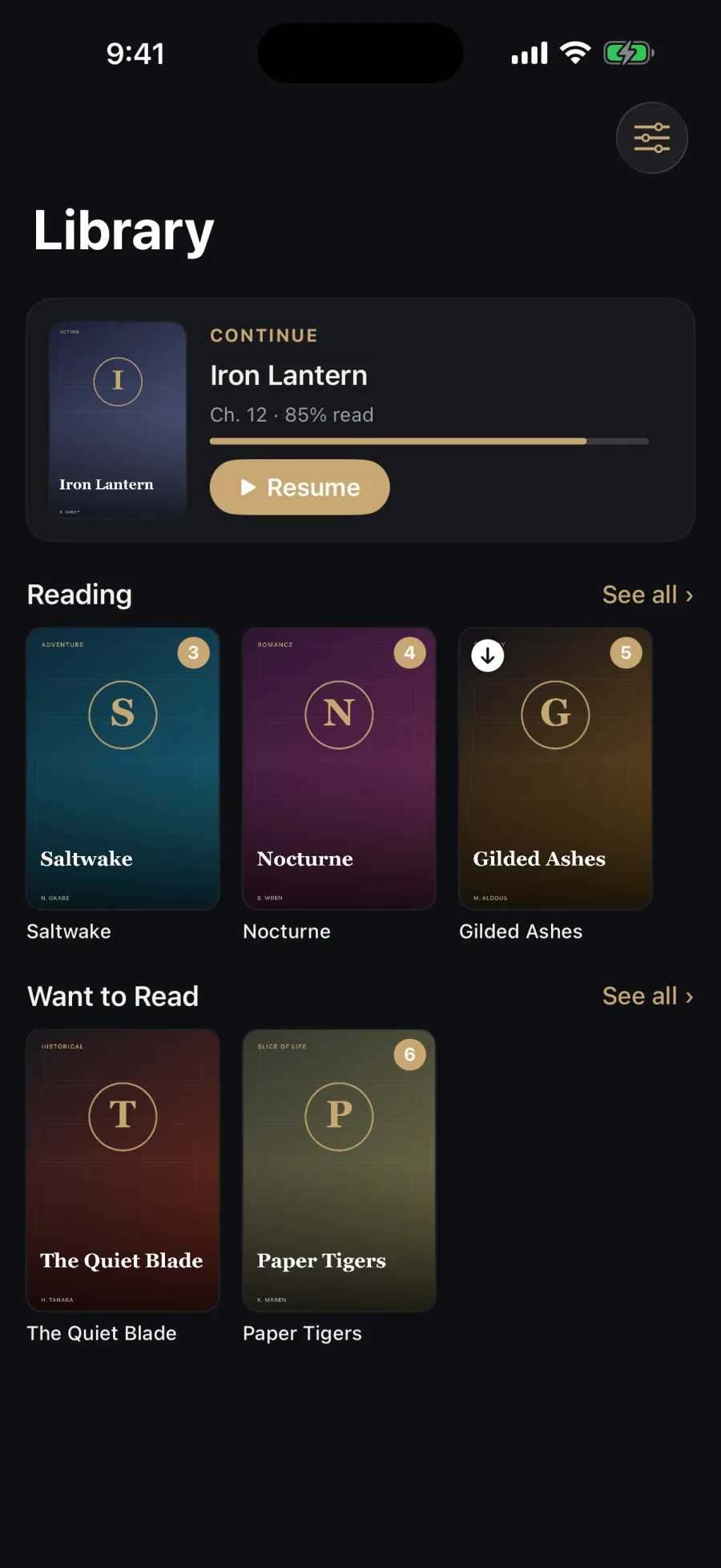
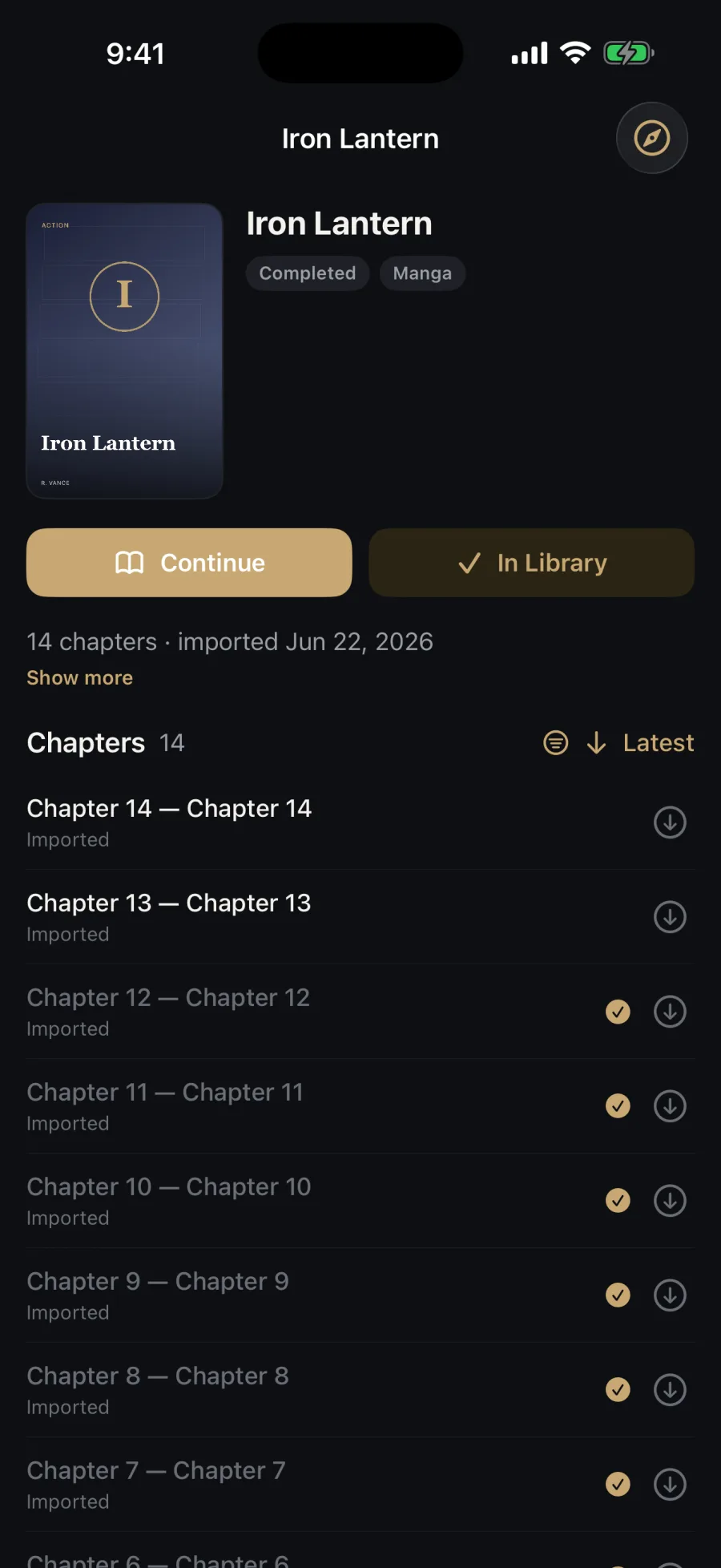
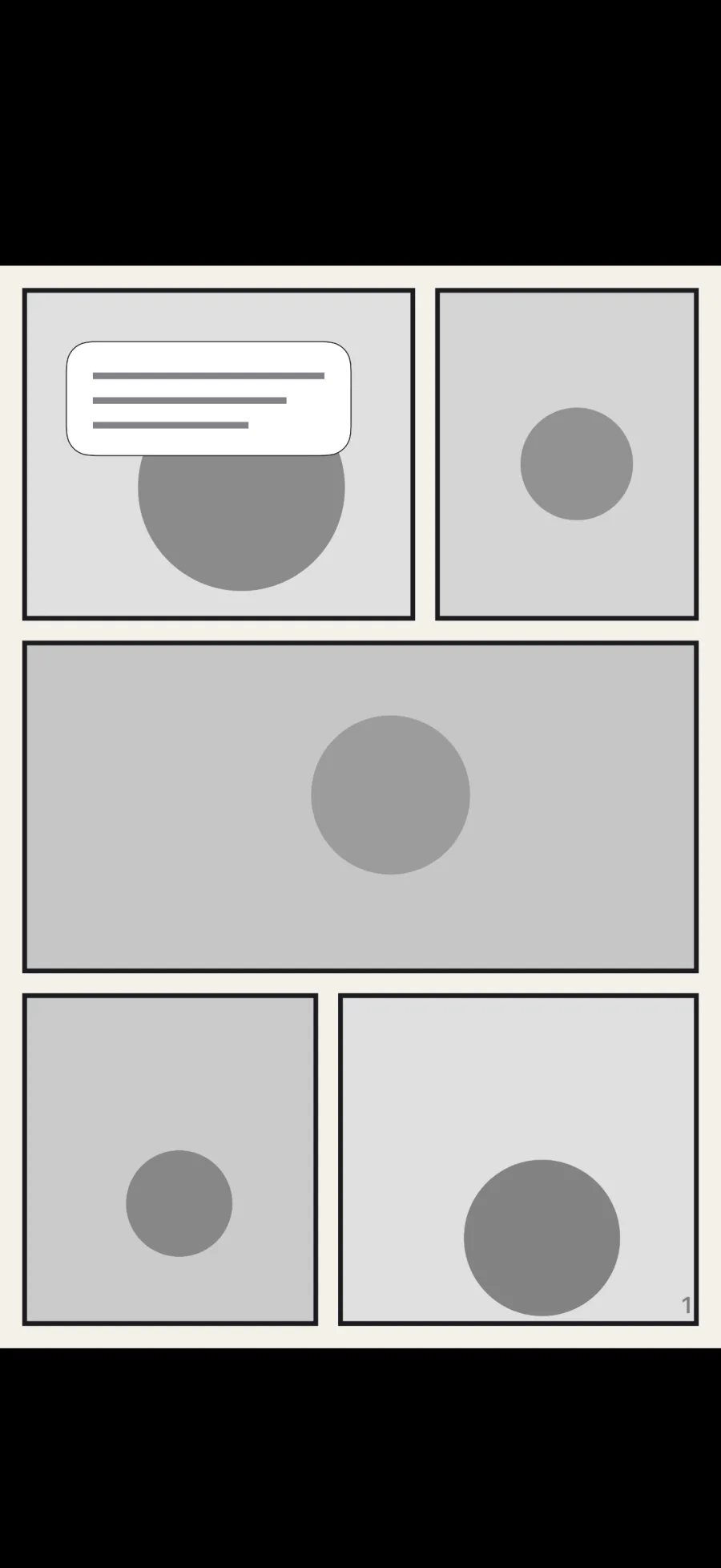
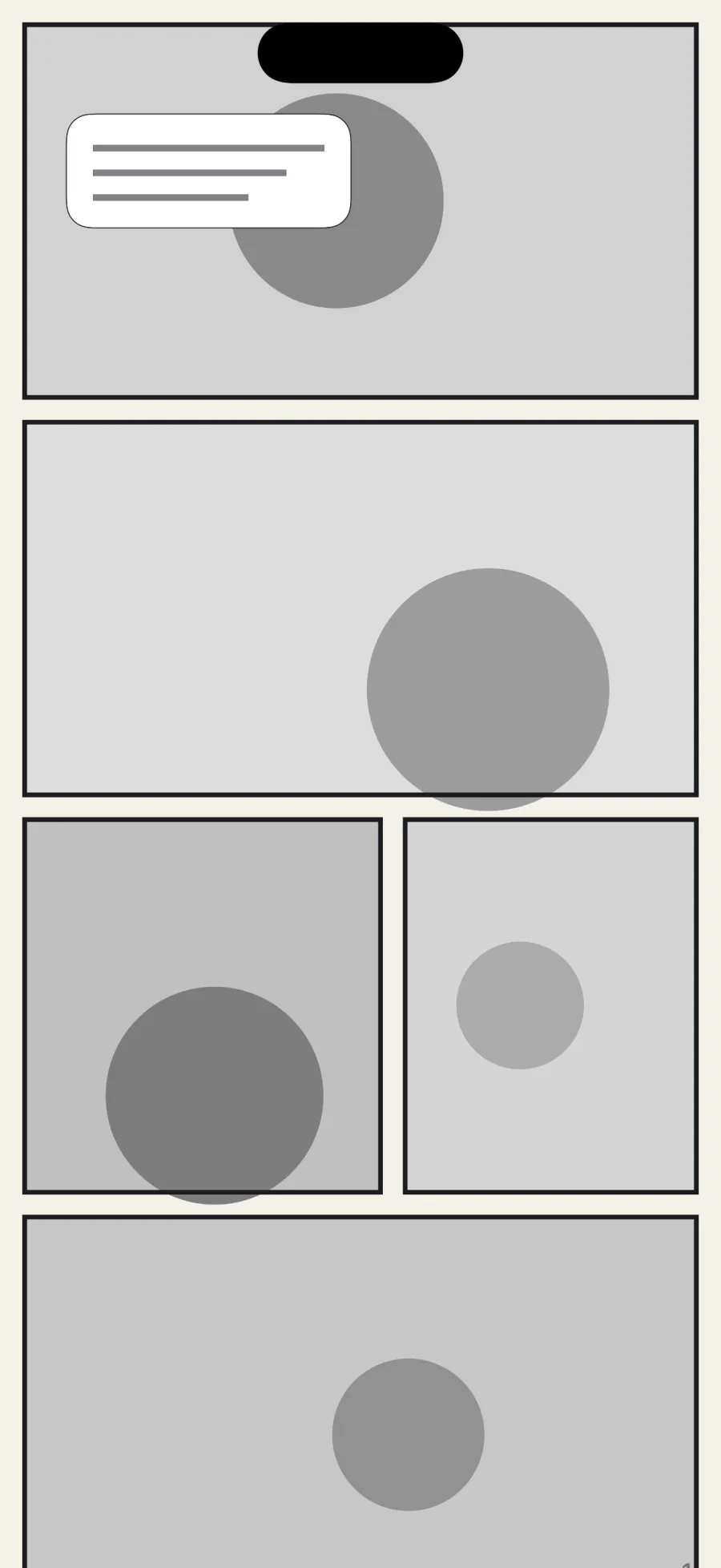
About
Yoakashi is a reader for the comics and manga you already own. Bring your books as CBZ files, PDFs, or folders of images, or connect a library you host yourself, and Yoakashi gives them a fast, modern reader designed for both page comics and vertical webtoons.
Import from the Files app, iCloud Drive, or Dropbox, and a folder of chapters becomes one series you can read fully offline. Connect a Komga server, or any OPDS catalog such as Kavita, Calibre-Web, Suwayomi, or a NAS comic server, to browse, search, download, and read page by page with Yoakashi's own reader.
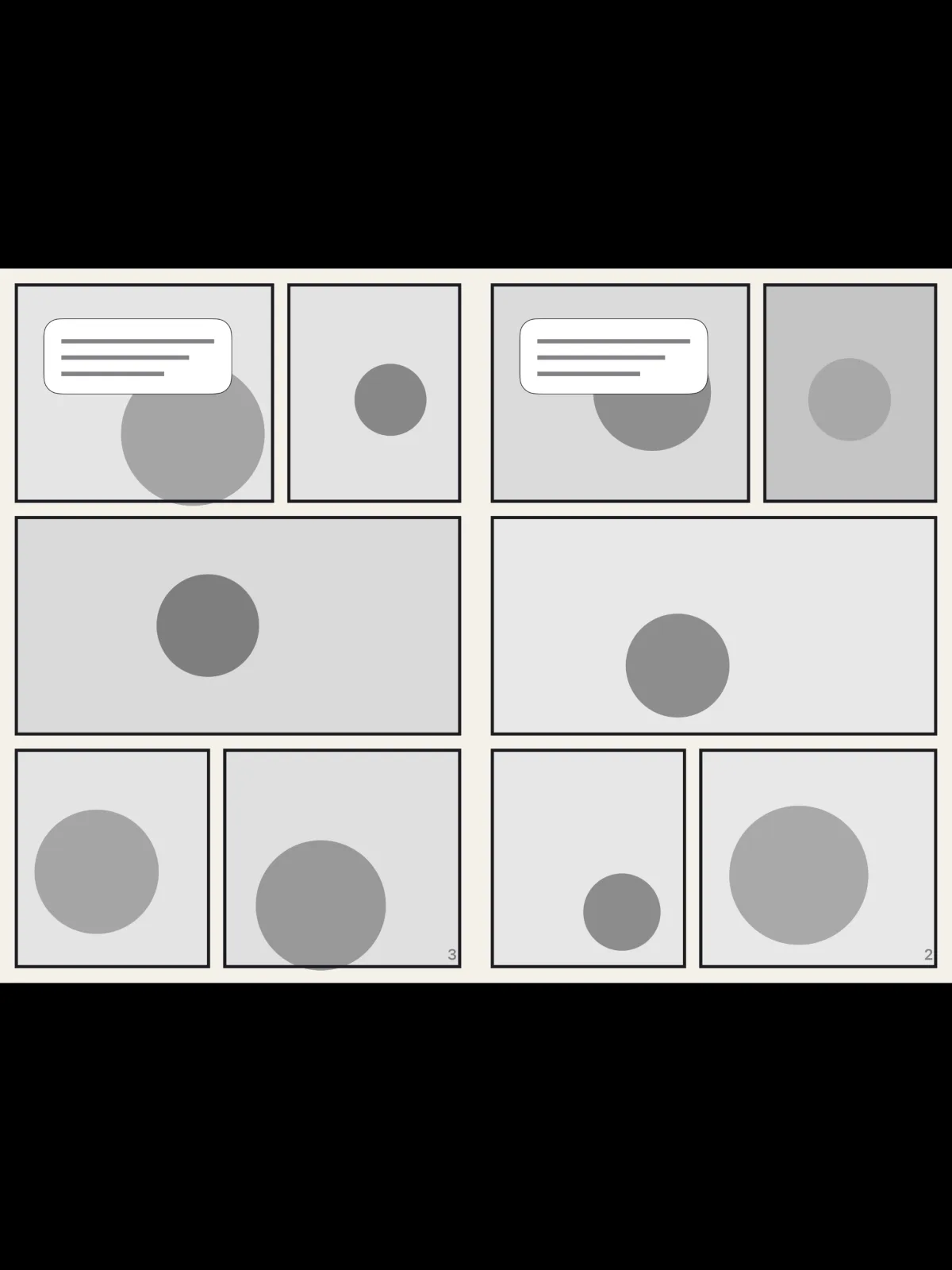
The reader gets out of the way. Read paged right-to-left or left-to-right, or scroll continuously in vertical webtoon mode. iPad and landscape show two-page spreads, and big screens get a comfortable webtoon column.
Sign in with your Epiphani account and your library, reading position, and history stay in step across your iPhone, iPad, and Mac. A Backup and restore file keeps a copy of your library in Files.
Bring your own files
Import CBZ, PDF, or a folder of images from Files, iCloud Drive, or Dropbox. A folder of chapters becomes one series, and Yoakashi copies it in so you can read fully offline.
Connect your own library
Built-in Komga support, plus any OPDS catalog including Kavita, Calibre-Web, Suwayomi, and NAS comic servers, with page-by-page streaming over OPDS-PSE.
A reader that gets out of the way
Paged right-to-left or left-to-right, and continuous vertical webtoon mode. Two-page spreads on iPad and in landscape, and a comfortable webtoon column on big screens.
In step on every device
Sign in with your Epiphani account and your library, reading position, and history follow you across iPhone, iPad, and Mac. Downloaded chapters are shared through your iCloud.
Pick up where you left off
Continue takes you straight to the chapter you were in, and History lists every series you have read, newest first and grouped by day.