Vision Test Drive
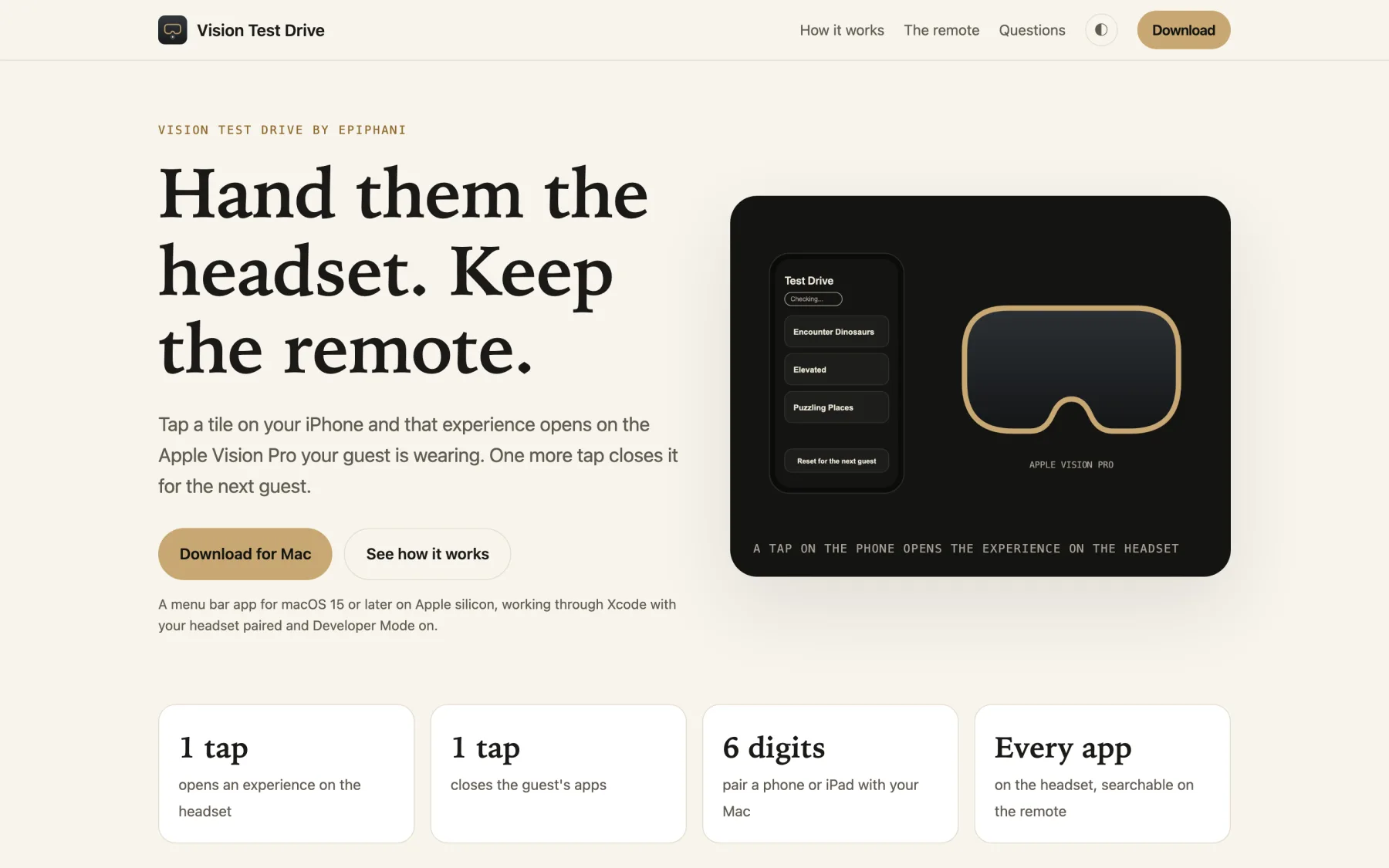
Run Apple Vision Pro demos from your iPhone: tap a tile, it opens on the headset.
About
Vision Test Drive turns your iPhone or iPad into the remote for an Apple Vision Pro demo. Your guest wears the headset while you tap a tile on your phone, and that experience opens in front of them, full size, exactly as if they had found it themselves. The Mac menu bar app does the work, and the phone carries the buttons.
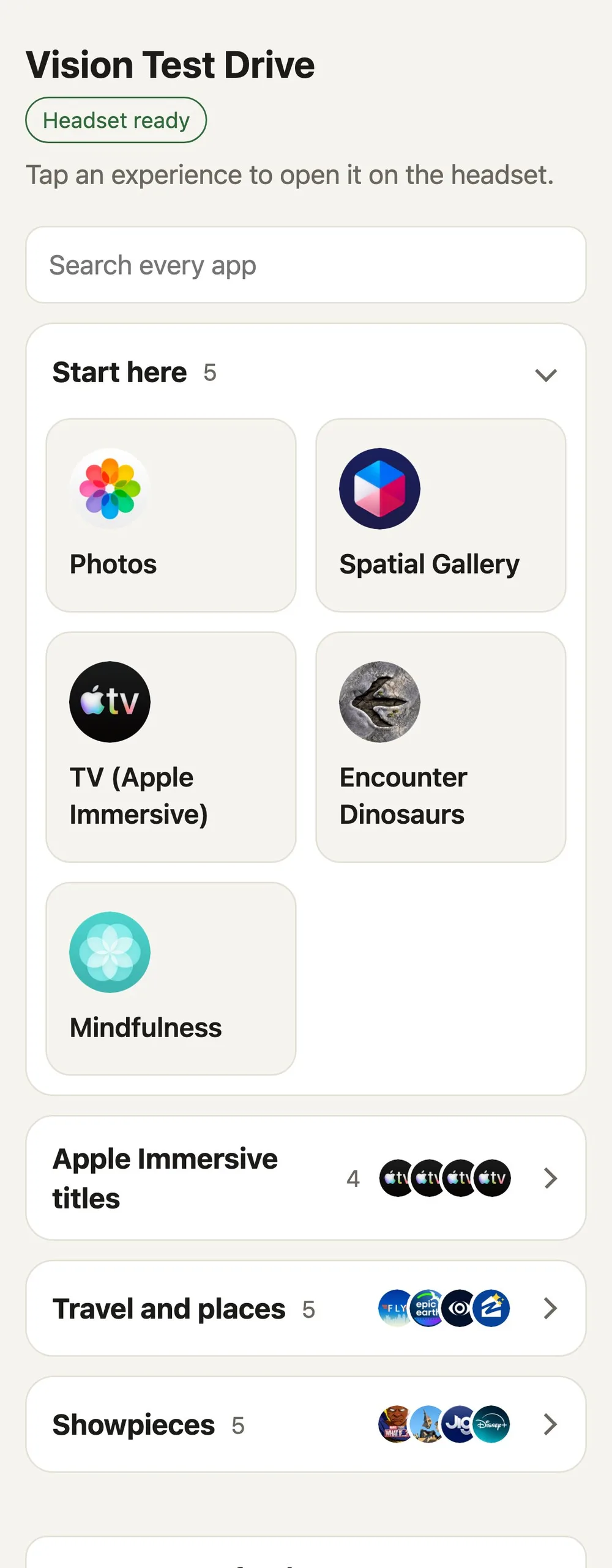
The running order starts with Apple's own showpieces: Photos, Spatial Gallery, Encounter Dinosaurs, Mindfulness, and four Apple Immersive films that open straight to the film in the TV app. Travel apps like FLY, Epic Earth, and Zillow Immerse follow, along with showpieces such as What If...? and JigSpace. Every other app on the headset sits below in its own folder with a search box, so a guest's request is one tap away.
Between guests, one tap on Reset closes every running app that is not part of visionOS, plus Photos and Apple's demo apps, and the remote reports how many it closed. Pair as many iPhones and iPads as you like, each with its own six-digit code or QR scan, so a colleague can take every other guest while every remote shows the same running order and marks the tile opened last.
Run it anywhere your Mac and phone share a Wi-Fi network: a living room, a conference room, a trade show booth, or a showroom floor. The remote opens in Safari on the phone and can live on the Home Screen as Test Drive, and your own visionOS builds appear alongside every other installed app.
Tap a tile, it opens on the headset
Each experience opens on the guest's headset from your phone. Your phone shows Opening, then Opened, or the plain reason it could not, so you know the moment it lands.
Every app on the headset
The Mac reads the headset's app list and every installed app appears on the remote with a search box, including your own visionOS builds. Choose Refresh App List in the menu bar after installing something new.
Reset for the next guest
Reset closes every running app that is not part of visionOS, checks the headset a second time, and says Ready for the next guest with the number it closed. It works even while the headset is locked.
Headset status at a glance
A badge reads the headset's state as ready, locked, or out of reach, and marks the tile opened last in green. The Mac menu bar icon fills in when the headset is ready.
Pair with six digits
Scan the QR code or type the six-digit code from the Mac's menu bar. Each code lasts 10 minutes and pairs one device, and New Pairing Code and Unpair Every Device sit in the same menu.
Signed, notarized, and kept current
Vision Test Drive is signed with Developer ID and notarized by Apple. The Mac app checks Epiphani's update feed and installs only builds that carry the same developer signature.