Reach Desktop
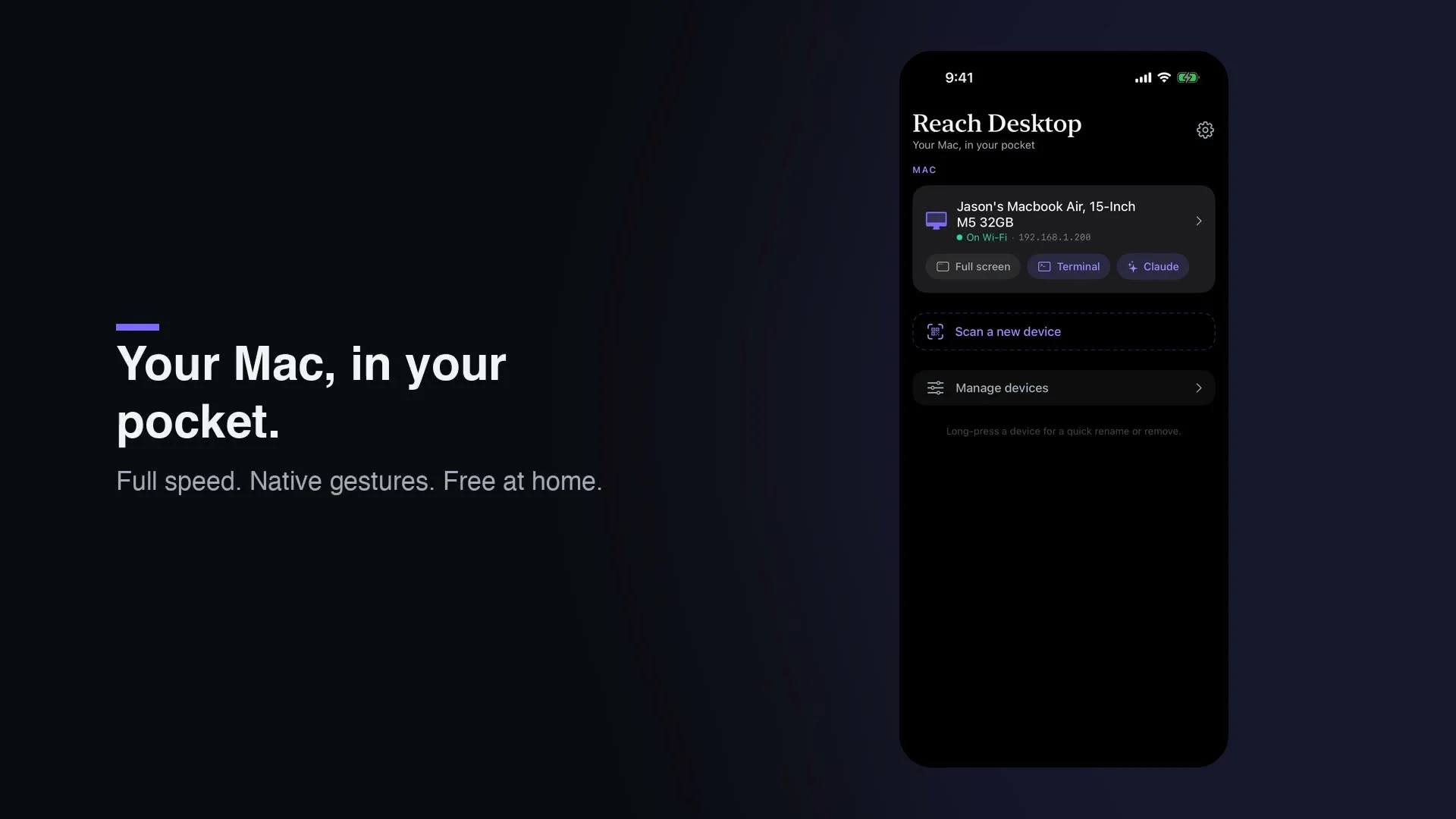
Control your Mac from your iPhone or iPad, streaming one real app or the whole desktop.
About
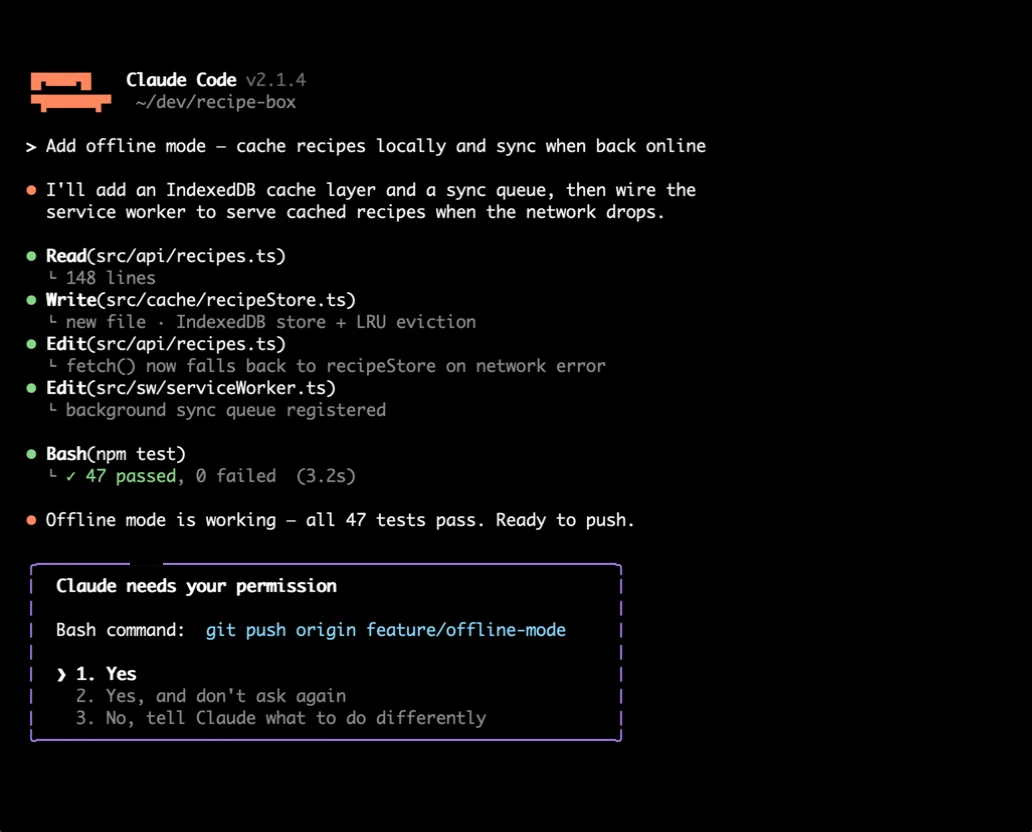
Reach Desktop puts your Mac's real screen on your iPhone or iPad: pixel-true H.264 video streamed live, not a compressed image tile. It is for anyone who steps away from their desk and still needs to see and control what is running there, a coding agent waiting on a decision, a render that just finished, a file that only lives on that one machine.
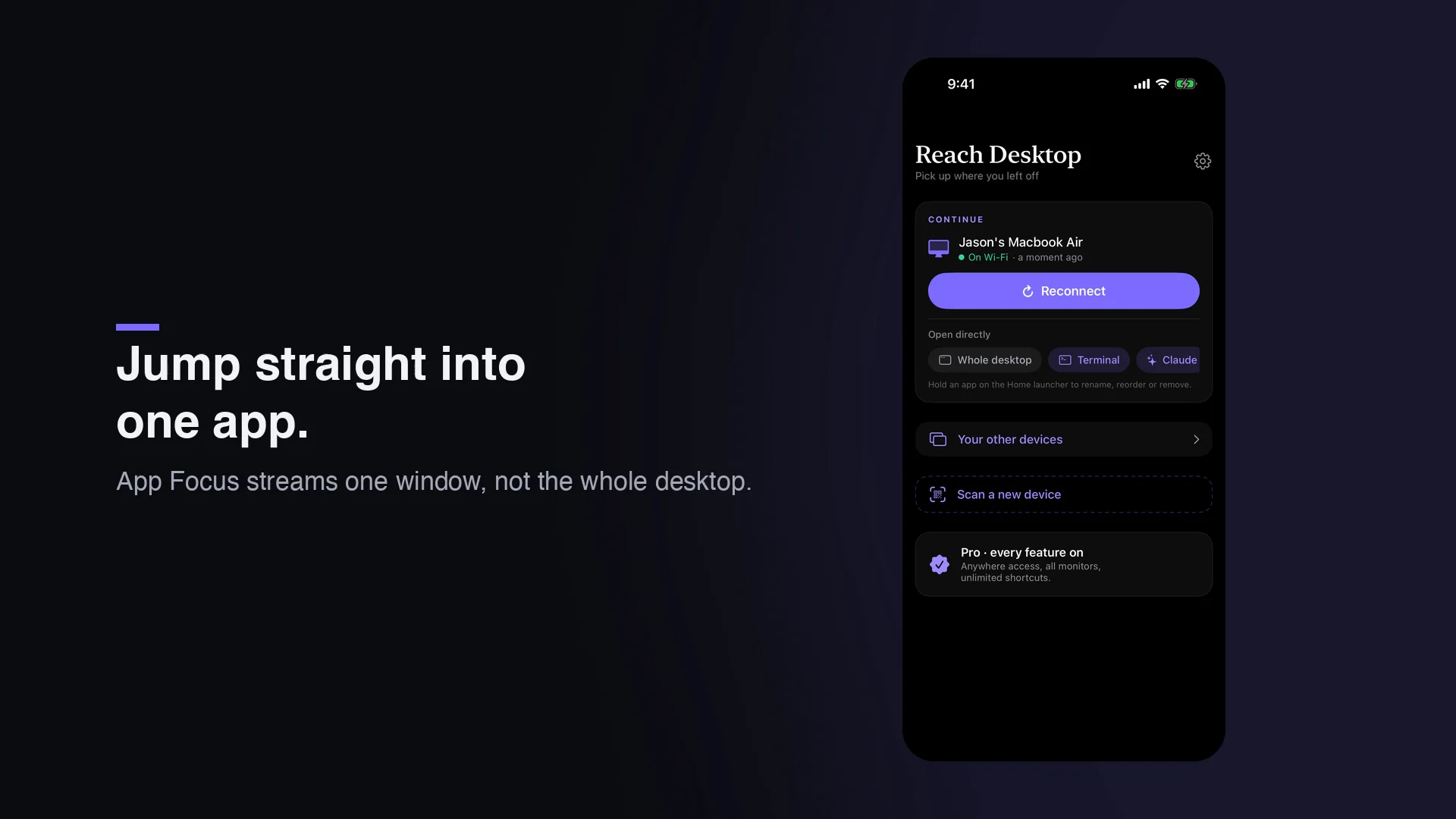
App Focus streams a single chosen app instead of the whole desktop, cropping to that app's windows and masking everything else black on the Mac itself, before a single pixel is encoded. Pick a terminal, an editor, or an agent window, and only that window reaches your phone.
Tap-to-click and a relative trackpad with momentum scroll make control feel native, server-side zoom keeps re-cropped text sharp enough to read fonts, and a field-aware voice bar lets you dictate straight into any Mac text field instead of typing on a phone keyboard.
At home, the connection runs directly over your local network, free. Pro adds automatic failover to a private relay away from home, plus every monitor as a live thumbnail, Mac audio streamed alongside the video, and unlimited quick actions.
App Focus
Stream one chosen app instead of your whole screen. Reach crops to that app's windows and masks the rest of the Mac black before encoding, so only the app you picked ever reaches your phone. One tap returns you to the full desktop.
Native-feeling control
Tap to click exactly where you touch, or switch to a relative trackpad with momentum scroll for precision. A full keyboard handles compound chords, and a customizable quick-actions dock keeps your most-used commands one tap away.
Voice that types for you
Tap any Mac text field and dictate. Your words land in that field on the Mac through a field-aware voice bar that follows your focus around the screen, so prompting an agent from your phone stops feeling like phone typing.
Reach it anywhere
At home, the connection runs directly over your local network. Away, on cellular or overseas, Reach fails over to a private relay within seconds, connecting automatically.
Every monitor, Mac sound too
A multi-monitor picker shows your displays as live labeled thumbnails you tap to switch between mid-session, and the Mac's audio streams alongside the video so you hear what is happening as you watch it.